1. An assistant that knows the project
Ask about the budget, the log, and the files. Get a clear answer.

For contractors and site managers
Construction management software for small contractors: track money, keep files, write the daily log, and talk to an assistant that knows your project on your phone.
No credit card
About Helmate
Helmate is a construction project management app for contractors and site managers. It helps you track budget and expenses, keep a daily work log, store project files and photos, manage tasks and contacts, and chat with an in-app assistant that knows your project — on web (app.helmate.ai), iOS, and Android.
Optional Gmail connect (Profile → Integrations) lets the assistant summarize construction-related mail and import quote or invoice attachments into your project files, and send email only when you ask in chat. Details: Privacy Policy · Terms of Service.
What you get
No complicated software and no long evenings at the computer. The tools that matter on site, in one place.
Ask about the budget, the log, and the files. Get a clear answer.
What’s urgent today, without chasing messages.

Receipts, suppliers, and where the money goes.

What happened on site, the crew, and photos.

Permits, contracts, and plans by project.
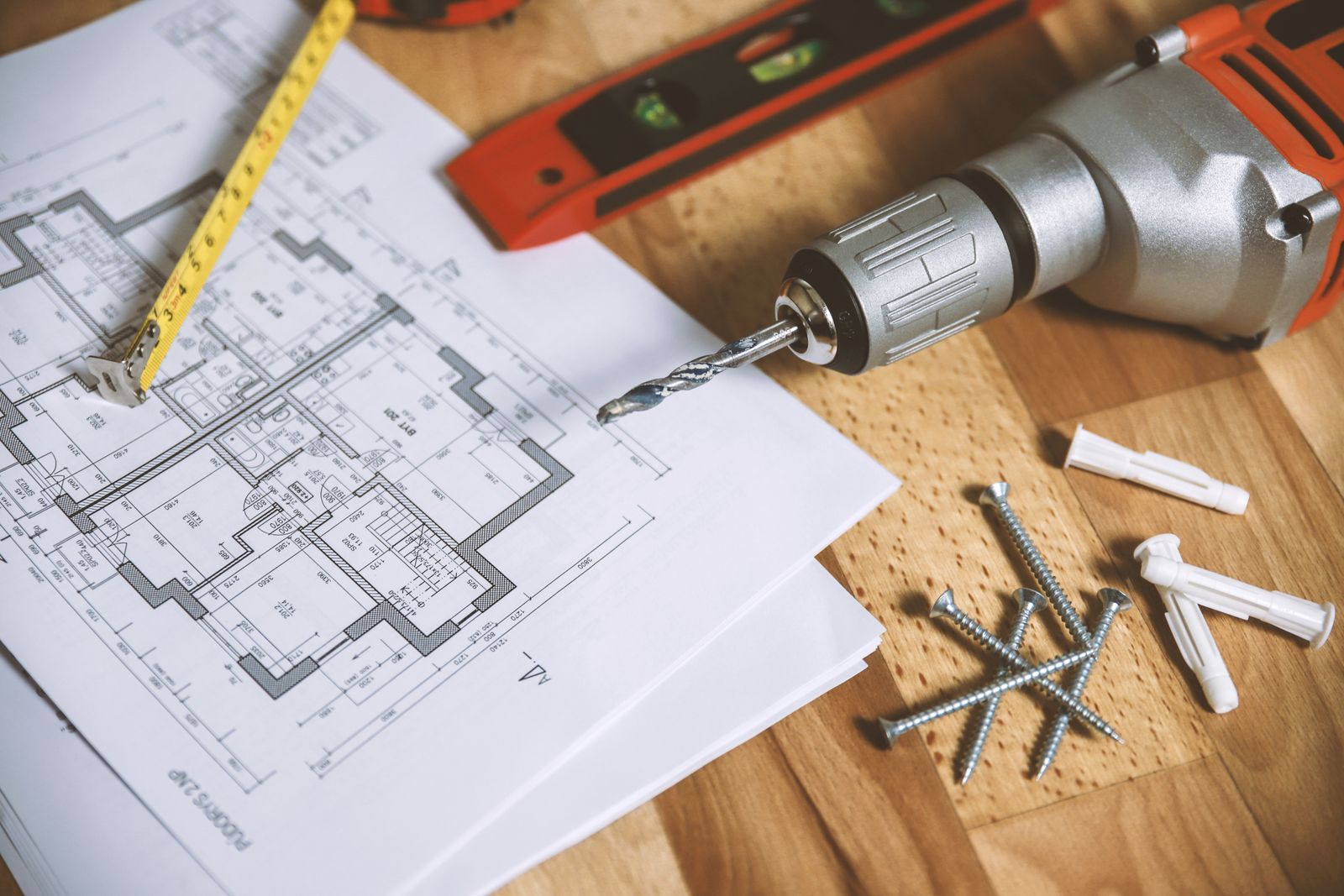
From site photos and notes, a clear report without an hour in the office.

A look at the app
Open the board and see it all at a glance.
A clean home screen for what actually matters: budget used, supplier balance, daily tasks, and the latest log updates.
No waiting for an evening meeting. It is recorded on the spot.
helmate workspace · Oak Street 42, Austin
In progress · week 14 of 26Daily log · today 08:30
Chat with the project assistant
How much is left in the plumbing budget?
$27,000 is left in that line. The plumbing supplier sent the final invoices.
Why it helps
A simple way to run a building site or a renovation without drowning in paper and message groups.
Every task, photo, and update is right there. No digging through old chats.
Expenses, receipts, and suppliers stay current. No surprises at the end of the month.
Clients get a tidy report and the crew knows exactly what to do.
Who it’s for
helmate is built for contractors and people on site. See the page for site managers, the renovation job page, or the main contractor page.
Track dozens of suppliers, tenant changes, and small receipts in each apartment without losing an invoice.

Hold the full budget across several sites and get updates from the field without driving to every site each morning.
Fill the daily log in a minute from your phone, record progress, and check tasks and daily safety.
How it works
No training and no fuss. Open it and work straight from the phone.
Enter the site name, address, and a target budget. It takes under a minute and the board is ready.

Photograph invoices, record work on site, and write tasks and the daily log while you are there.
Everything stays in one place and in sync, so you have a clear answer at every step.
Phone, tablet, and computer · Built with contractors · Your information stays private and secure
Pricing
Start free. Upgrade when you need more.
Free
Free
No credit card
First month free
$50
per month · Pay in the app
First month free
$75
per month · Pay in the app
First month free
$125
per month · Pay in the app
Questions
No. helmate works on your phone. You can also open it in a browser on a computer if you want.
Yes. We keep your project data private and do not sell it. helmate’s use of information received from Google APIs (including optional Gmail) adheres to Google’s Limited Use requirements. See our privacy policy.
Contractors, developers, and site managers who run one or more jobs and want budget, files, and a helper on site.
Basic includes 1 open project (planning or active). Finished projects don’t count. Pro Site up to 3. Pro Crew up to 10. Pro Command unlimited.
Join contractors who already run the job this way
Sign in with Google · No credit card · Works right away from your phone
Open your first project now